GM Web Resources
We are part of a large team made up of designers, developers, marketers, researchers, analysts, and strategists.
Sharing information is essential to what we do.
Have a question?
We’re here whenever you need us.
Website Redesign Checklist: 30 Things to Review Before Launch
A website redesign is more than updating colors, images, and layouts. Before launch, it’s important to review the site’s structure, content, functionality, SEO, performance, and technical setup to make sure nothing is overlooked. This checklist covers 30 key areas to review before your redesigned website goes live.
Strategy & Website Structure
1. Audit your current website
2. Set clear goals for the redesign
3. Research competitors
4. Define target audience
5. Check domain address
Confirm your domain is active, correctly connected, and still fits your business. If the domain is changing, plan redirects from the old site.
6. Review navigation menu
7. Review website functions
Decide which existing features should remain, which can be removed, and whether the redesigned site needs any new functionality.
8. Merge pages with similar or duplicate topics
Combine overlapping pages when appropriate to simplify navigation and avoid competing or repetitive content.
Content & Messaging
9. Review and optimize images
10. Verify legal compliance
Review privacy policies, terms and conditions, cookie notices, accessibility information, and other legal requirements relevant to your business.
11. Review copy
12. Review SEO structure
Make sure each page follows a clear hierarchy from headings and subheadings to body content and calls to action.
Design & User Experience
13. Check mobile responsiveness
Make sure the redesigned site displays and functions properly across phones, tablets, and desktop screens.
14. Review website accessibility
Check elements such as color contrast, alt text, font sizes, form labels, and keyboard navigation to make the site easier to use for all visitors.
15. Review the user experience (UX)
Walk through the site from a visitor’s perspective and make sure key information and actions are easy to find and complete.
16. Create a custom 404 page
Create a branded 404 page that helps visitors recover from a missing page. You can also use light humor when it fits your brand, while still providing clear links back to useful content.
Forms, Features, & Functionality
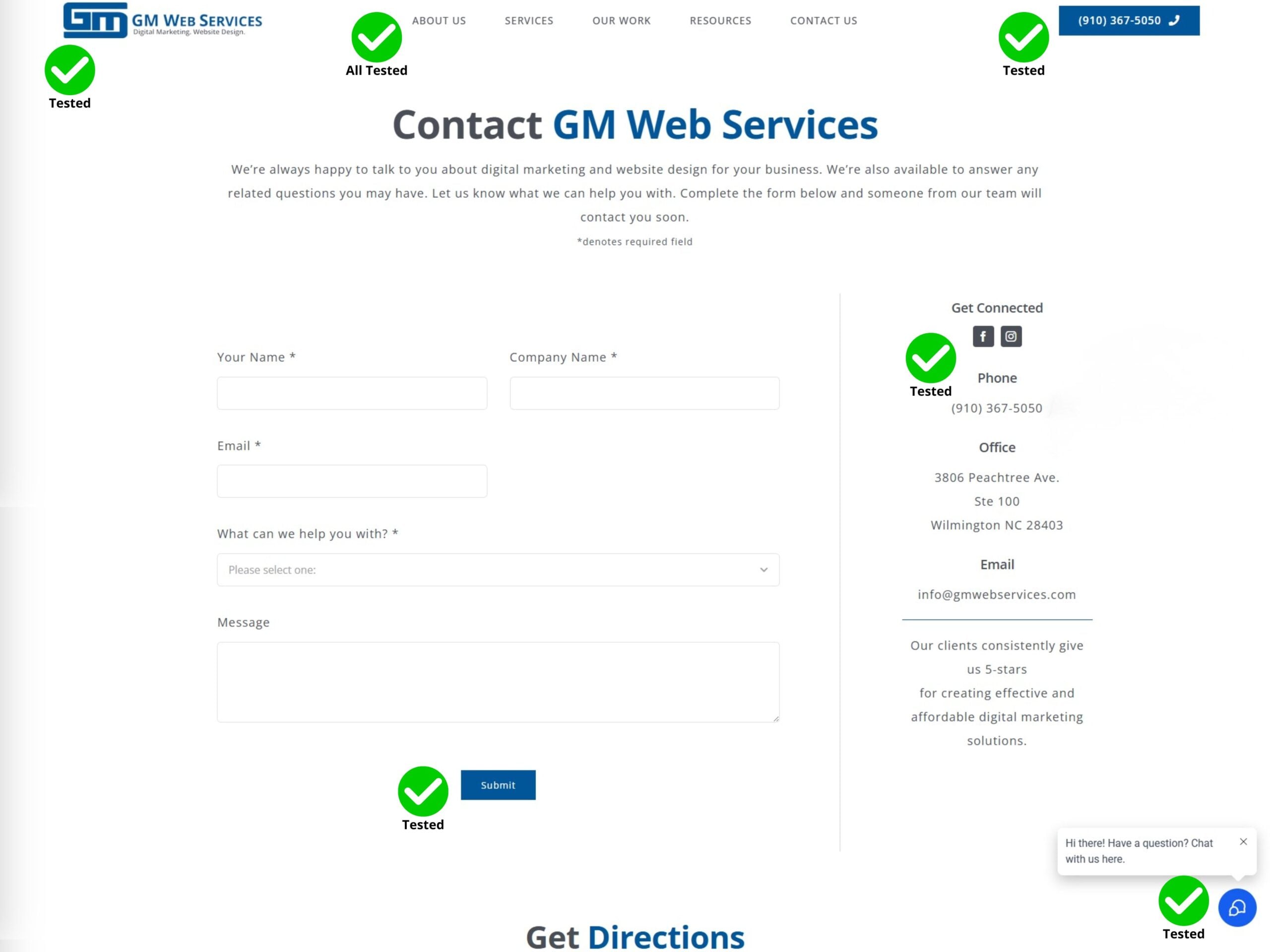
17. Check for broken links, forms, and interactive content
18. Check third-party integrations
Confirm that tools such as CRMs, booking systems, payment platforms, email marketing software, and other integrations are still connected and working.
19. Review your tech stack
Evaluate your CMS, plugins, software, and other website tools to make sure they are still necessary, supported, and compatible with the redesign.
SEO & Search Visibility
20. Check meta titles and descriptions
Review each important page to make sure its title and description accurately reflect the content and support search visibility.
21. Check SEO rankings
Identify pages that currently rank or receive organic traffic. If their URLs are changing, use 301 redirects to send visitors and search engines to the appropriate new page.
22. Review internal links
23. Review search engine indexing settings
Make sure any settings used to block the development site from search engines are removed before launch so the new site can be indexed.
Technical & Performance Checks
24. Review hosting provider
Make sure your hosting plan can support the redesigned website’s performance, storage, security, and traffic needs.
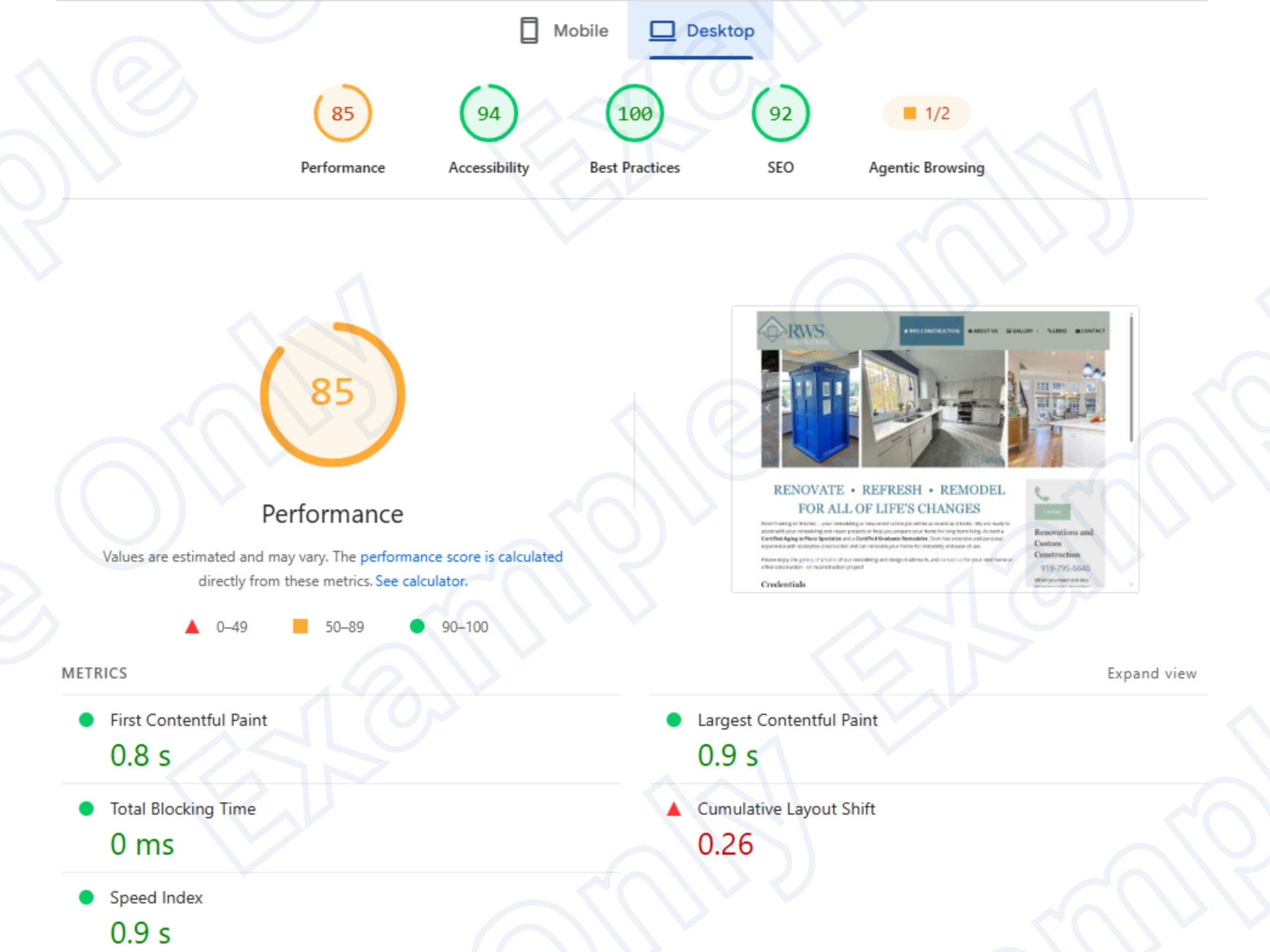
25. Test site speed
26. Check SSL certificate and security
Confirm your SSL certificate is active and review other security measures, including software updates, passwords, and backups.
27. Backup old website
Create a complete backup before launching the redesign so important files, content, or settings can be restored if needed.
28. Verify analytics and tracking
Confirm analytics, conversion tracking, and other measurement tools are properly connected so you do not lose important data after launch.
29. Test across browsers and devices
Check the website in major browsers and on different screen sizes to make sure the design and functionality remain consistent.
30. Complete a pre-launch review
Do one final walkthrough of the website, checking important pages, links, forms, CTAs, contact information, and interactive features before publishing.
Common Issues with Redesigns
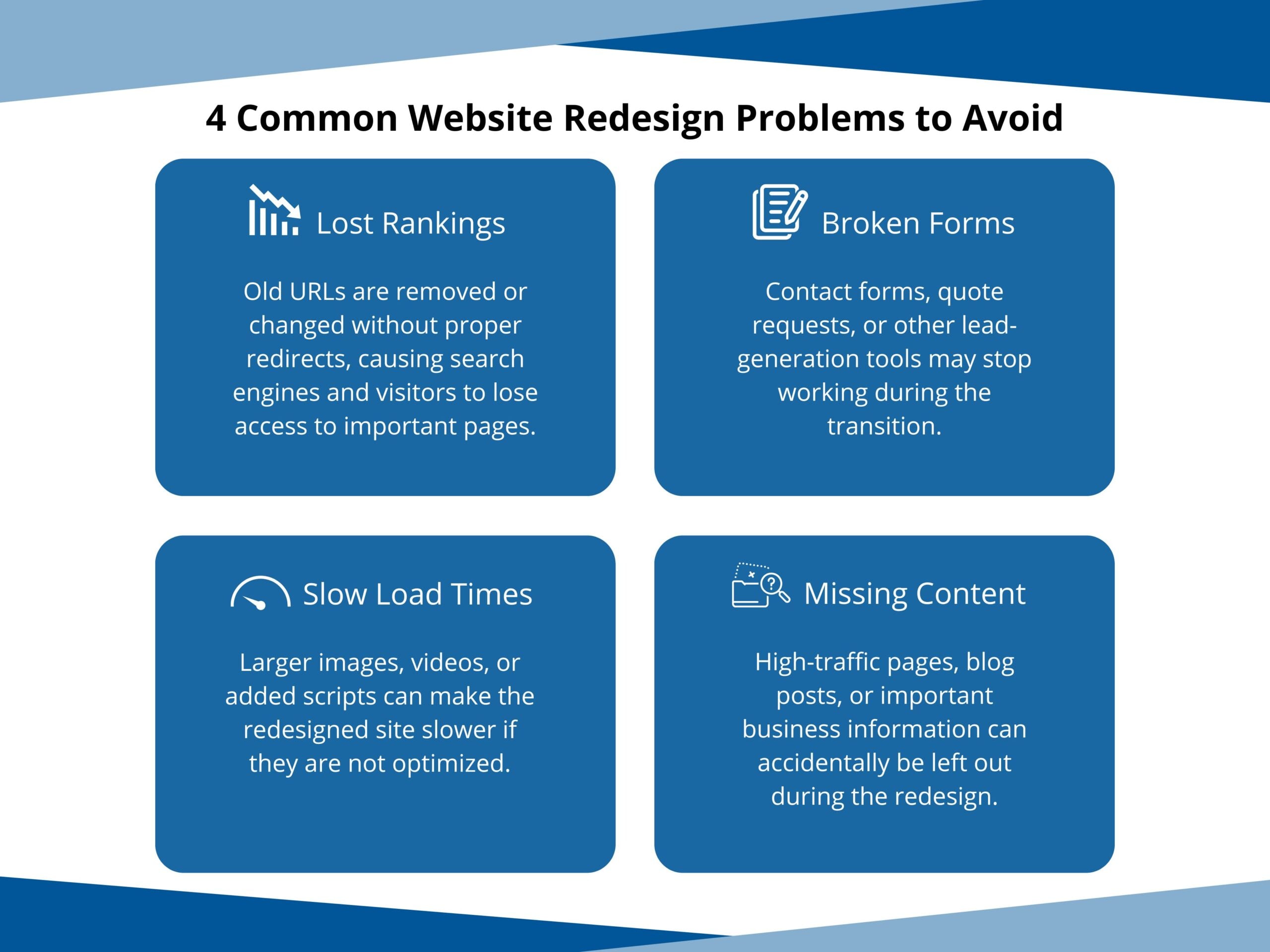
Even a well-planned website redesign can create problems if important details are overlooked during the transition. Some of the most common issues involve SEO, functionality, performance, and missing content, which is why thorough testing before launch is so important.
Ready to Launch Your Redesigned Website?
A successful website redesign should improve both how your site looks and how it performs. Reviewing these 30 areas before launch can help catch issues early, protect existing traffic, and create a better experience for your visitors.
If you’re planning a website redesign, GM Web Services can help guide the process from strategy and design through development, testing, launch, and ongoing maintenance.