GM Web Resources
We are part of a large team made up of designers, developers, marketers, researchers, analysts, and strategists.
Sharing information is essential to what we do.
Have a question?
We’re here whenever you need us.

What to Post When You Don’t Know What to Post
Social media feels easy at first.
You post a few updates, share a photo, remind people what you offer. Then a few weeks in, the same question shows up: what are we supposed to post now?
Here’s the good news. Not every post has to be new, clever, or dreamed up out of nowhere. Most of the time, the best content is already sitting inside your business. You just have to notice it.
Start With What Your Customers Ask
Think about the questions people bring up before they book, buy, or call.
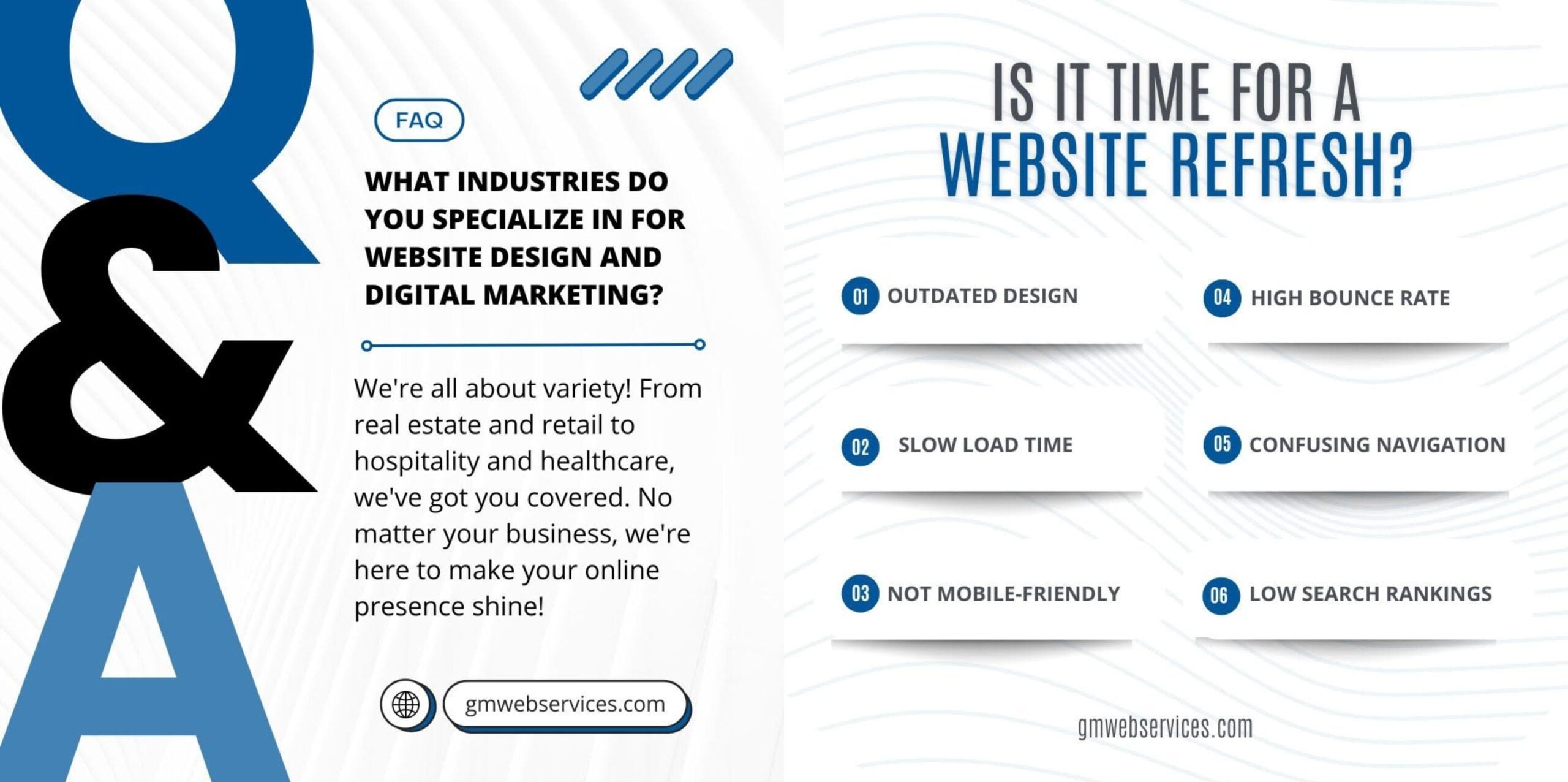
What should I expect? How do I prepare? When should I schedule this? How do I know which service is right for me?
If one person asked it, someone else has wondered the same thing and never said it out loud. Turn those questions into posts and you’ve got content that’s actually useful, not just filler.
Highlight Your Services or Products
Chances are, your audience doesn’t know everything you offer. Most businesses assume people do. They don’t.
A post doesn’t have to be a hard sell. It can just explain what a service includes, who it’s for, or the kind of problem it solves. One post on the service. Another on the problem it fixes. Another answering a question about it. That’s three posts from one idea.
Use Photos and Everyday Updates From Your Business
Project photos. A shot from the jobsite. New team member. Updated hours. A finished project you’re proud of.
None of this feels exciting to you, because you already know about it. But your audience doesn’t, and that’s exactly why it works. It makes your business feel active and real, not just a logo online.
The photo doesn’t need to be perfect. It needs to be clear and paired with a caption that tells people what they’re looking at and why it matters.
Be Careful With Trends and Memes
Trends can make a page feel current, but they don’t fit every brand.
Before you jump on one, ask if it actually fits your business and your audience. If it feels natural, great. If you’re stretching to make it work, skip it. Same goes for memes. Fun is fine, but it still has to feel like you.
Treat trends as the occasional extra, not the plan. Your regular posts are what teach people who you are and why they should remember you.
Reuse Strong Topics in Different Ways
You do not have to mention an important topic only once.
A service highlight can also become a quick tip, a frequently asked question, a short list, a project caption, or a seasonal reminder. Reusing a topic simply means finding fresh ways to share information your audience needs to hear.
Build a Simple Content List
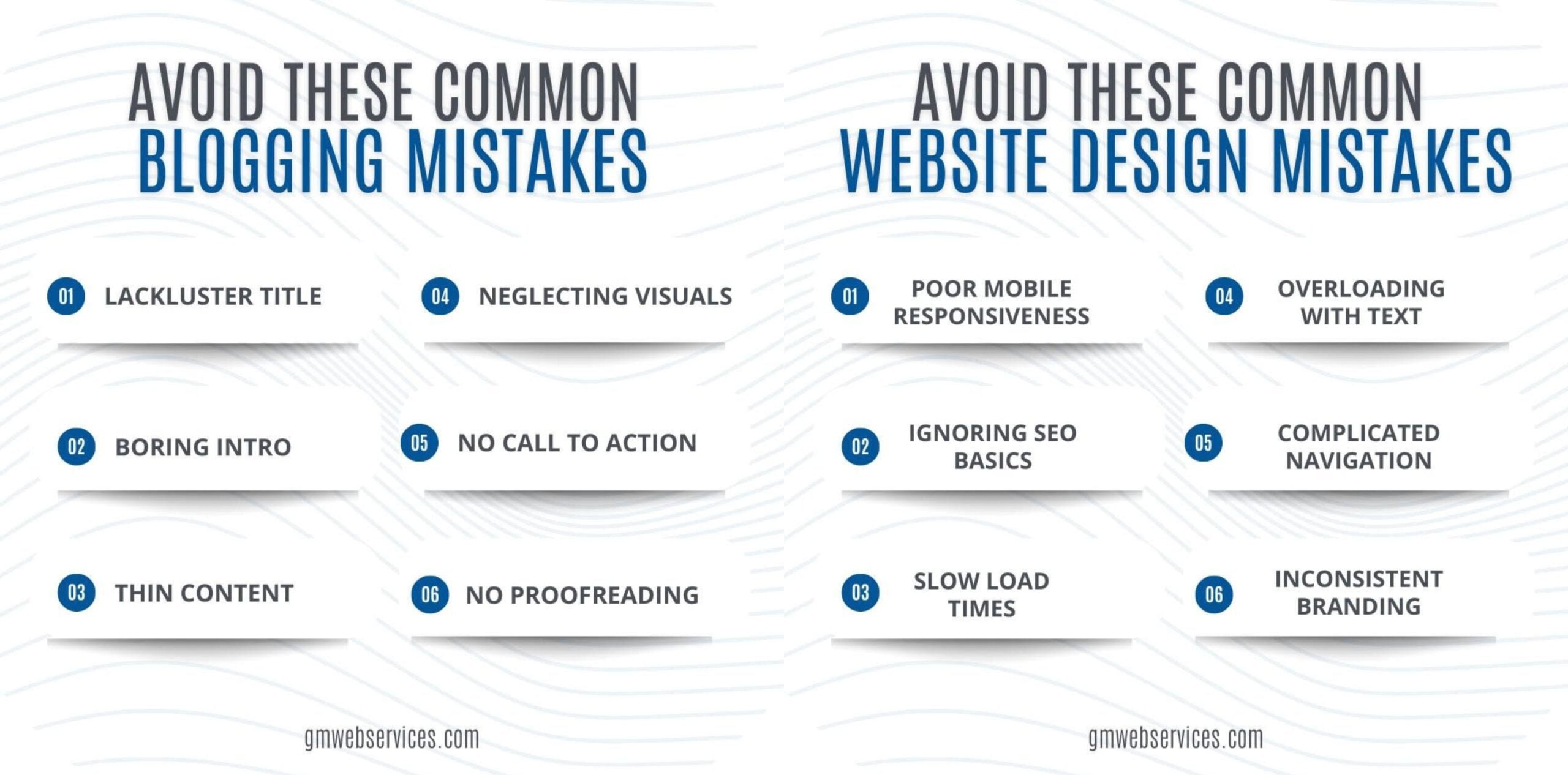
When you are not sure what to post, having a basic list of content categories can make planning easier.
A good social media plan might include:
This kind of list gives your business a starting point instead of beginning with a blank calendar every time.
Good Social Media Content Starts With Being Useful
Your posts don’t need to go viral. They just need to be clear.
Next time you’re stuck on what to share, look at the questions you already answer, the services you already offer, and the updates your customers actually need to know. The content’s already there.
At GM Web Services, we help businesses create social media content that keeps their pages active, clear, and aligned with their larger digital marketing strategy.