GM Web Resources
We are part of a large team made up of designers, developers, marketers, researchers, analysts, and strategists.
Sharing information is essential to what we do.
Have a question?
We’re here whenever you need us.

10 Website Design Mistakes We See Every Week
A website redesign is more than updating colors, images, and layouts. Before launch, it’s important to review the site’s structure, content, functionality, SEO, performance, and technical setup to make sure nothing is overlooked. This checklist covers 30 key areas to review before your redesigned website goes live.
1. Poor Website Navigation
Poor or confusing website navigation can quickly drive visitors off your website. Search engines also rely on clear structure to index your content properly, which can affect your website ranking. Overall, poor website navigation hurts the user experience (UX) and search engine optimization (SEO), leading to frustrated users and increased bounce rates.
Tips to Improve Website Navigation:
Even if visitors can easily find what they need, they may not stick around if the website takes too long to load. For more tips on improving website navigation read our guide 25 Features Every Small Business Website Should Have.
2. Slow Page Loading Speed
According to Google, 53% of visitors leave a site if it takes more than 3 seconds to load. That is a lot of missed opportunities for your business website because a higher bounce rate leads to lower conversion rates and decreased organic search engine ranking.
Tips to Improve Page Load Speed:
Once your website loads quickly, the next step is making sure visitors know exactly what action to take.
3. Poor Call-to-Actions (CTAs)
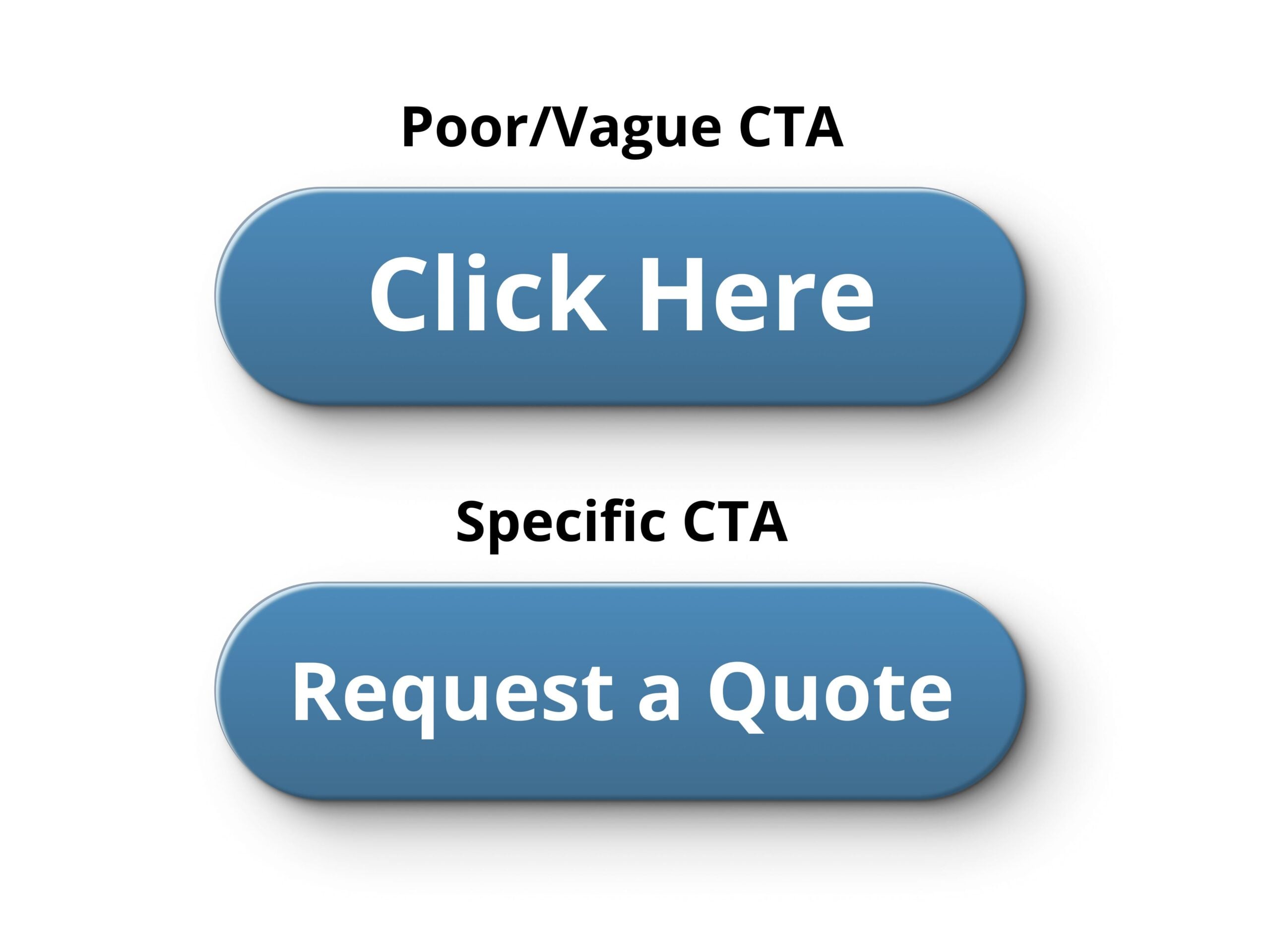
Your CTA is the desired action each website visitor should be led to take, but poor CTAs are a huge website design mistake. Poor CTAs use generic or vague language and can sometimes be hard to find or see within the design. This confuses visitors and leads to missed conversions, lower lead generation rates, and weak sales funnel performance.
Tips to Improve CTAs:
Strong CTAs are easier to notice and act on when they are supported by a clean, organized website design.
4. Outdated or Cluttered Design
Outdated or cluttered website designs can confuse visitors unsure whether you are still in business or the right business for them. Cluttered website designs typically make important information hard to find and when nothing stands out, you can expect an increase of bounces from your site.
Tips to Update and Declutter Your Website Design:
A polished website may look great to visitors, but it also needs the right SEO structure to be found in search results.
5. Missing SEO Fundamentals
One of the biggest website design mistakes we see is missing SEO. If your website is missing or duplicating page titles, missing meta data, has a poor heading structure, and is missing alternative text for images, your SEO is likely struggling. SEO helps search engines index your content and rank your website, without it you’ll be missing website traffic opportunities.
Tips for Improving SEO Fundamentals:
SEO can help bring visitors to your website, but the experience still needs to work well once they arrive, especially on mobile devices.
6. Not Optimizing for Mobile
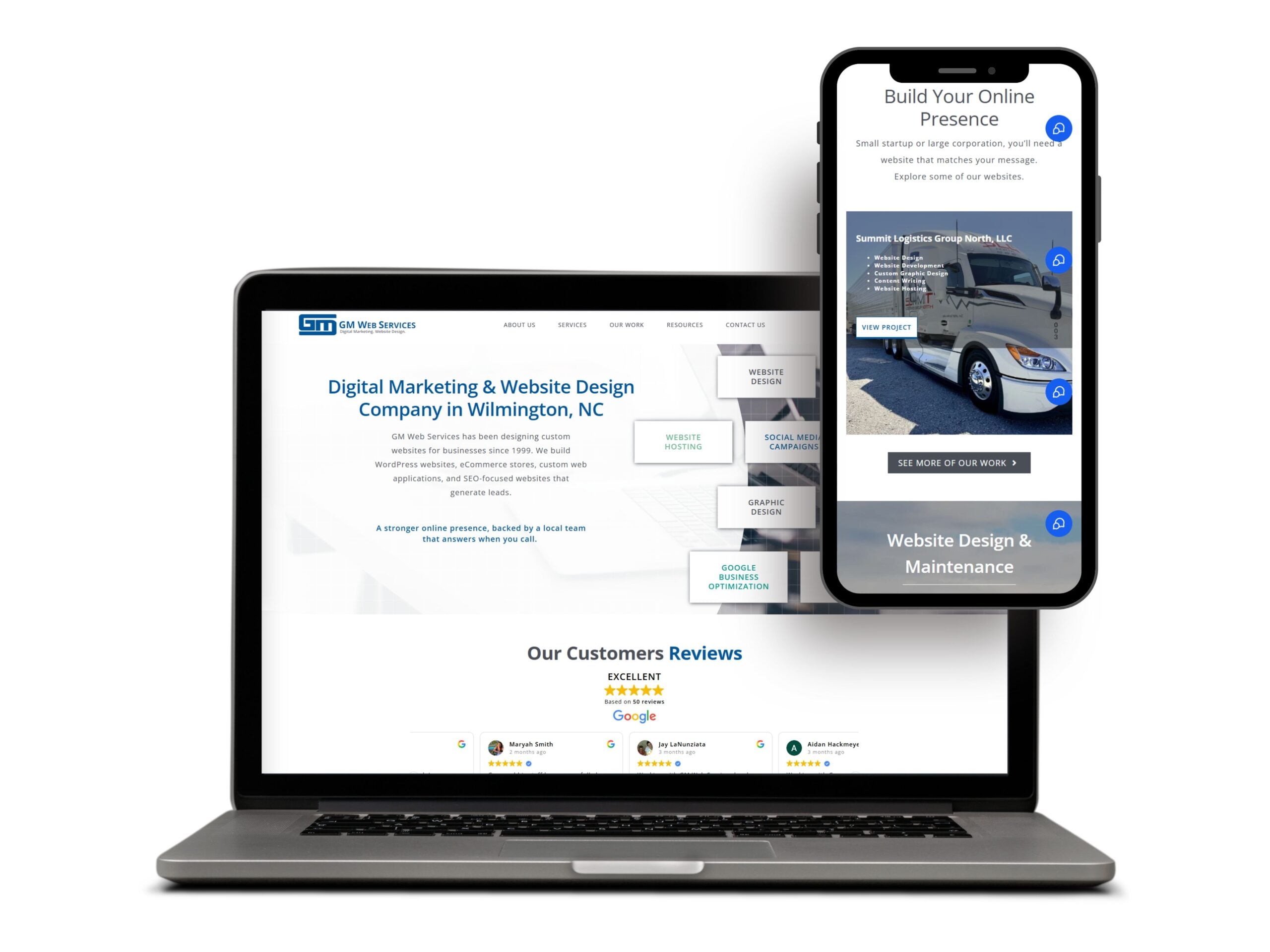
According to Statista, 51% of website traffic is from mobile devices in 2026, which is a ton of missed opportunities if your website is not responsive to different device sizes.
Tips for Improving Mobile Experience:
Responsive design helps create a consistent experience across devices, but your branding should remain just as consistent throughout the site.
7. Inconsistent Branding
One of the website design mistakes we see the most often is inconsistent branding. Inconsistent branding throughout a website leaves an unprofessional impression and hurts the user experience. Without consistent branding, your business will also lose its brand identity.
Tips to Improve Consistent Branding:
Once your website looks and feels consistent, analytics can help determine whether the design is actually supporting your business goals.
8. Not Tracking Analytics
If you aren’t already tracking your website analytics, you’re likely unfamiliar with some of the terms already used, including website traffic, bounce rate, and conversion rate. These analytics indicate what’s working with your website and what’s not. For example, website analytics can track your top performing pages, which browser traffic is coming from, what is making visitors bounce, and help justify return on investment (ROI).
Tips for Tracking Web Analytics:
Analytics can reveal how visitors use your website, but a strong user experience also means making the site accessible to as many people as possible.
9. Ignoring Accessibility
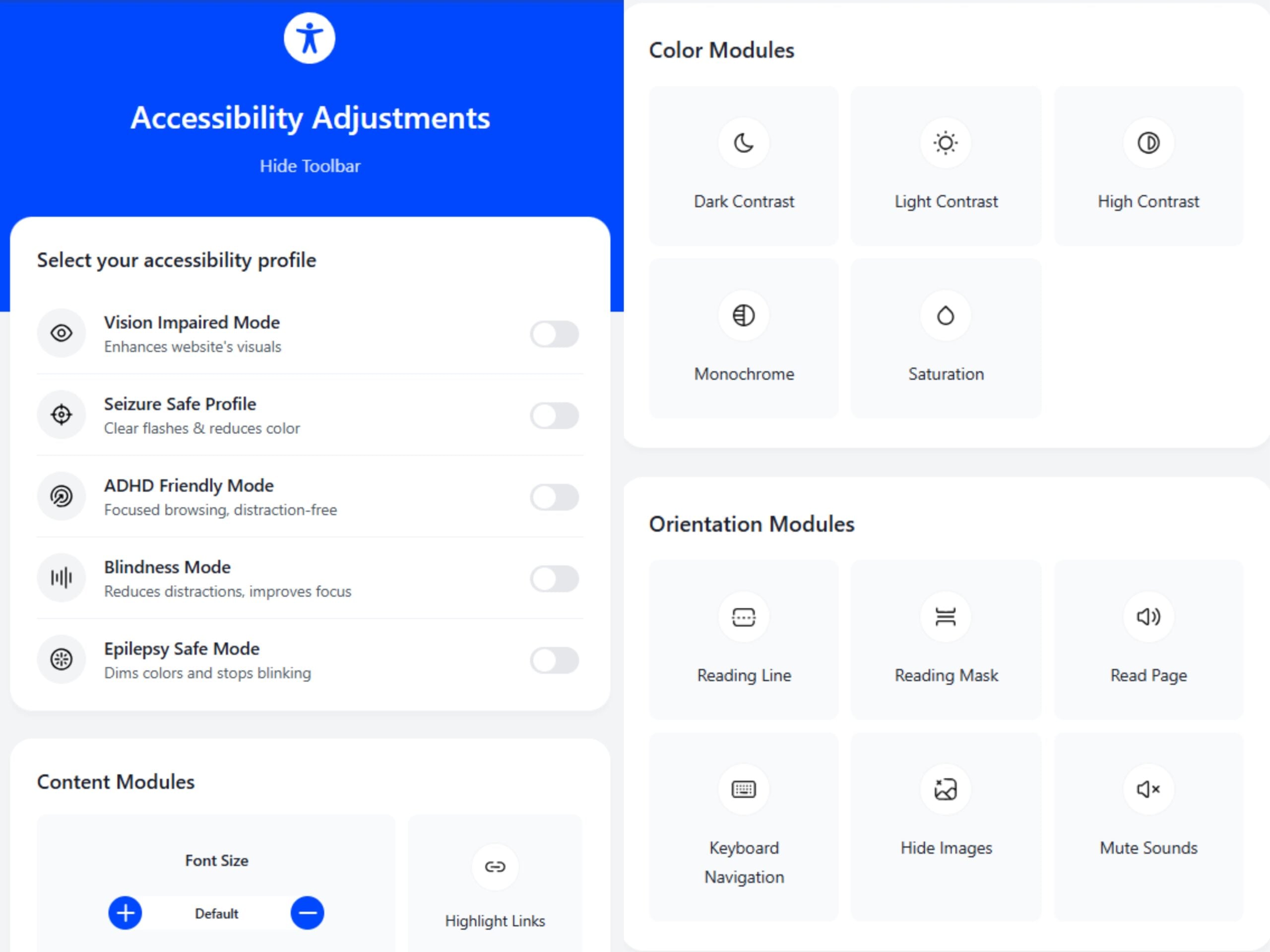
Over 15% of the world’s population lives with a disability, which means your website is missing traffic by ignoring accessibility features. Website accessibility can also be an important compliance consideration for businesses under applicable accessibility laws and standards.
Tips for Improving Website Accessibility:
Accessibility helps create a more inclusive experience, while trust-building elements help visitors feel confident doing business with you.
10. Missing Trust Building Essentials
Trust is hard to build and easy to lose, which is why missing trust signals is one of the biggest website design mistakes a business can make. A missing SSL certificate, ‘About Us’ page, reviews, and contact information can quickly and quietly cause visitors to leave your website.
Tips for Improving Trust Building Essentials:
Build a Website That Works Better for Your Business
A strong website should be easy to navigate, fast, accessible, consistent, and built with both users and search engines in mind. Reviewing these common website design mistakes can help you identify areas where your current site may be falling short.
If your website needs an update, GM Web Services can help you avoid these common mistakes and create a website that is functional, user-friendly, and built to support your business goals.